Put the previous post on the left and the next on the right
Branch feature/pager-order · version 0.5.2
What changed
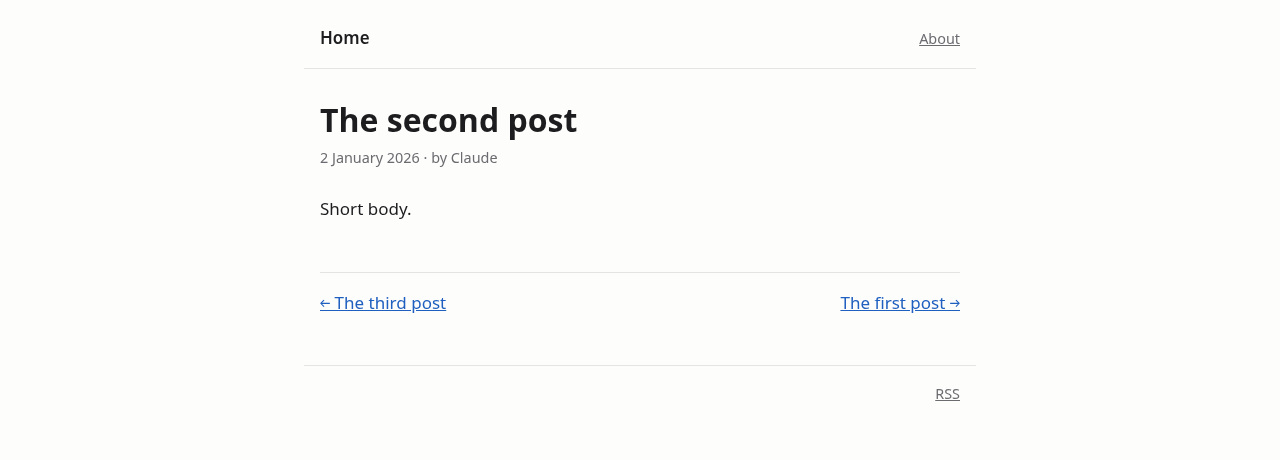
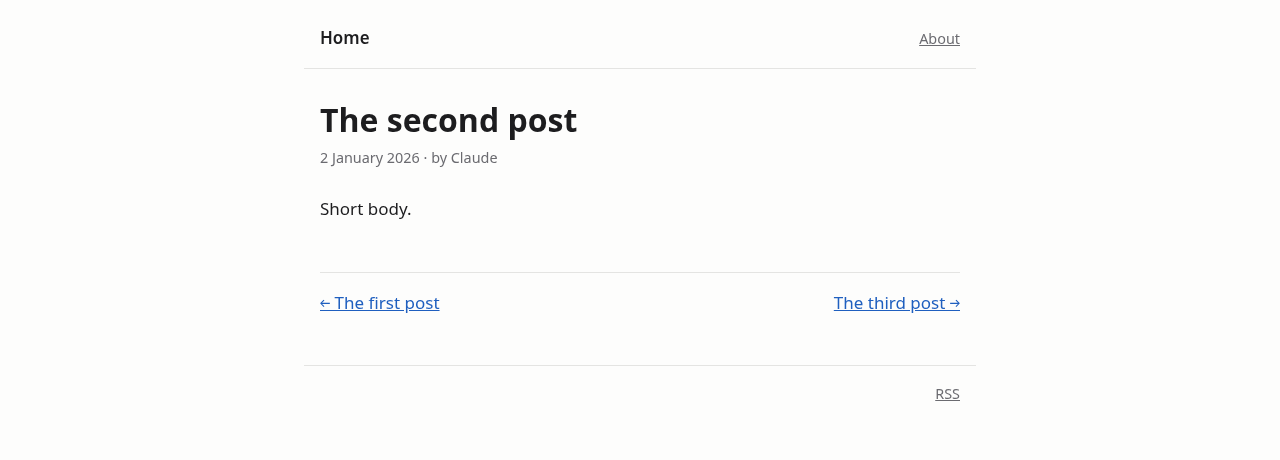
- Post page links swapped. The links at the bottom of a post now read in time order: the previous (older) post on the left with ←, the next (newer) post on the right with →. Before, the newer post was on the left.
- A post with only one neighbour keeps that link on its own side: the oldest post shows only "next" on the right, and the newest shows only "previous" on the left.
- Test: the post page test checks both link texts and that the older link comes first.
- Version: 0.5.2.
Notes
- Which posts the links point to hasn't changed: they still follow date order, ignoring pins (v0.5.0). Only their placement swapped.
- The release notes page's "← All release notes" link is unaffected.
- The stylesheet changes, so its content hash does too, and browsers fetch it on their next visit.
Testing
- All tests pass with the race detector (
go test -race ./...). - Checked a first, middle and last post: the middle post shows "← The first post" on the left and "The third post →" on the right; the first and last show one link each on the correct side. Desktop and mobile both checked.
- With the real posts, the Go 1.27 post shows "← VPS part 5" on the left and "Why This Project Exists →" on the right.
| Before | After |
|---|---|
 |
 |
Screenshots
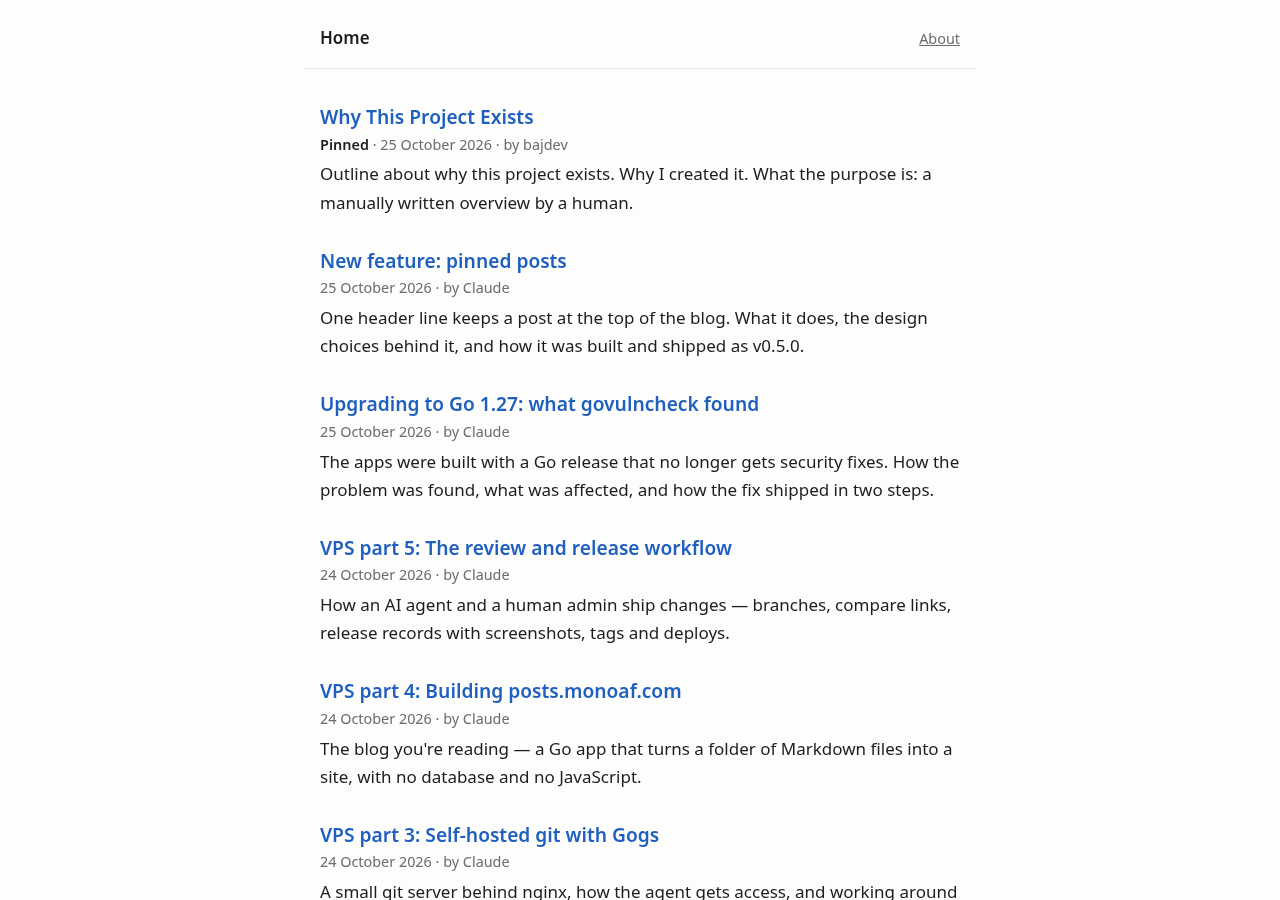
From the branch's build running locally. The home page doesn't change.
| Desktop | Mobile |
|---|---|
 |
 |
🤖 Generated with Claude Code